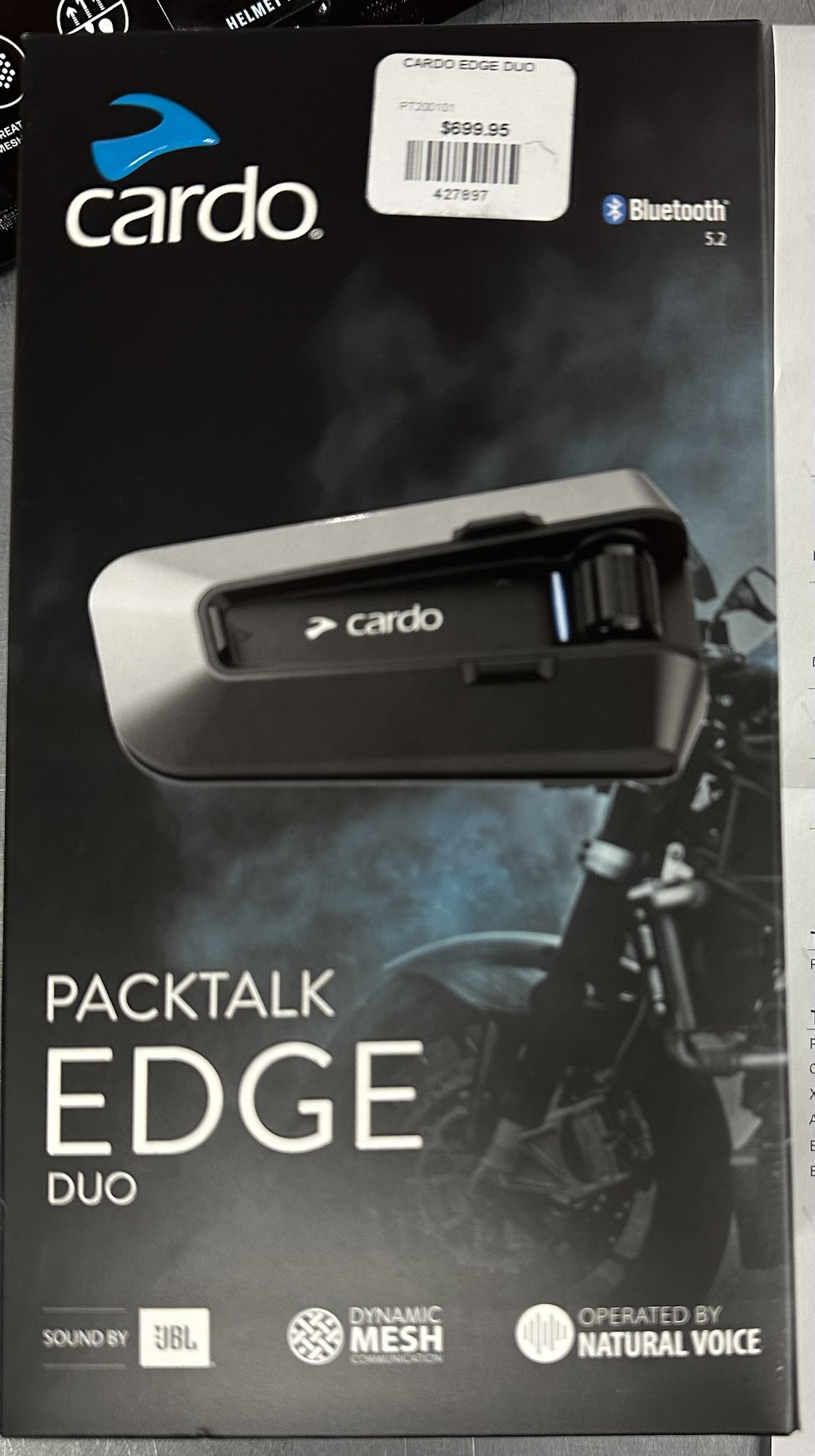

🏍️ Getting Started with PACKTALK Family
- Powering On/Off:
- To turn on: Press and hold the Power and Intercom buttons for 2 seconds.
- To turn off: Press and hold the same buttons for 2 seconds.
- Charging:
- Use the provided USB cable to connect to a power source.
- Fast charging: 20 minutes provides up to 2 hours of talk time.
- Full charge: Approximately 1.5 to 2 hours.
- Battery life: Up to 13 hours of talk time.
- LED Indicators:
- Red LED on: Charging.
- Red LED off: Charging complete.
- Blue LED flashes: Normal battery status.
- Blue LED flashes three times: Low battery.
📱 Cardo Connect App
- Setup:
- Download and install the Cardo Connect App from your device’s app store.
- Register your device and update to the latest software.
- Choose your preferred language within the app.
- Features:
- Control intercom and Bluetooth settings.
- Manage phone calls, music, and radio.
- Customize device settings and presets.
- Access firmware updates and support.
🎧 Audio Functions
- Voice Assistant:
- Activate Siri or Google Assistant with a single tap.
- Microphone Control:
- Mute/Unmute microphone with a single tap.
- Volume Control:
- Increase or decrease volume with a single tap.
- Radio:
- Turn on/off: Single tap.
- Start scan: Double tap.
- Stop scan: Single tap.
- Next preset: Triple tap.
- Previous preset: Single tap.
- Music:
- Play/Pause: Single tap.
- Next track: Double tap.
- Previous track: Triple tap.
- Switching Audio Sources:
- Switch between music and radio by holding the Media button for 2 seconds.
📞 Phone Functions
- Call Management:
- Answer call: Single tap.
- Ignore call: Single tap.
- End call: Hold for 2 seconds.
- Redial last number: Hold for 2 seconds.
🔗 Intercom Features
- DMC Intercom:
- Grouping: Hold Intercom button for 5 seconds.
- Mute/Unmute group: Hold Intercom button for 2 seconds.
- Share call with group: Hold Intercom button for 2 seconds.
- Music Sharing:
- Set sharing partner: Tap Intercom button twice.
- Start/Stop sharing: Tap Intercom button three times.
- Private Chat:
- Set private chat partner: Tap Intercom button twice.
- Start/Stop private chat: Tap Intercom button three times.
- Passenger Intercom:
- Add Bluetooth passenger: Hold Intercom and Media buttons simultaneously.
- Start/Stop passenger intercom: Tap Intercom button twice.
🧭 GPS Pairing
- Steps:
- Enter pairing mode by holding the Intercom button for 5 seconds.
- Initiate pairing on your GPS device.
- Confirm successful pairing via LED indicators.
🌐 Universal Bluetooth Intercom
- Pairing:
- Initiate pairing mode by holding the Intercom button for 5 seconds.
- Start/Stop intercom with Rider A: Single tap.
- Start/Stop intercom with Rider B: Double tap.
🔄 Device Management
- Reboot:
- Hold the Power button for 10 seconds.
- Factory Reset:
- Hold the Power and Intercom buttons simultaneously for 10 seconds.
🗣️ Voice Commands (Always On)
- Phone Commands:
- “Hey Cardo, answer call”
- “Hey Cardo, ignore call”
- “Hey Cardo, end call”
- “Hey Cardo, redial number”
- Music Commands:
- “Hey Cardo, music on”
- “Hey Cardo, music off”
- “Hey Cardo, next track”
- “Hey Cardo, previous track”
- Radio Commands:
- “Hey Cardo, radio on”
- “Hey Cardo, radio off”
- “Hey Cardo, next station”
- “Hey Cardo, previous station”
- Intercom Commands:
- “Hey Cardo, call intercom”
- “Hey Cardo, end intercom”
- Device Status Commands:
- “Hey Cardo, battery status”
- “Hey Cardo, volume up”
- “Hey Cardo, volume down”
- “Hey Cardo, mute audio”
- “Hey Cardo, unmute audio”
- “Hey Cardo, mute microphone”
- “Hey Cardo, unmute microphone”
For more detailed information and support, visit the Cardo Systems Support Page.